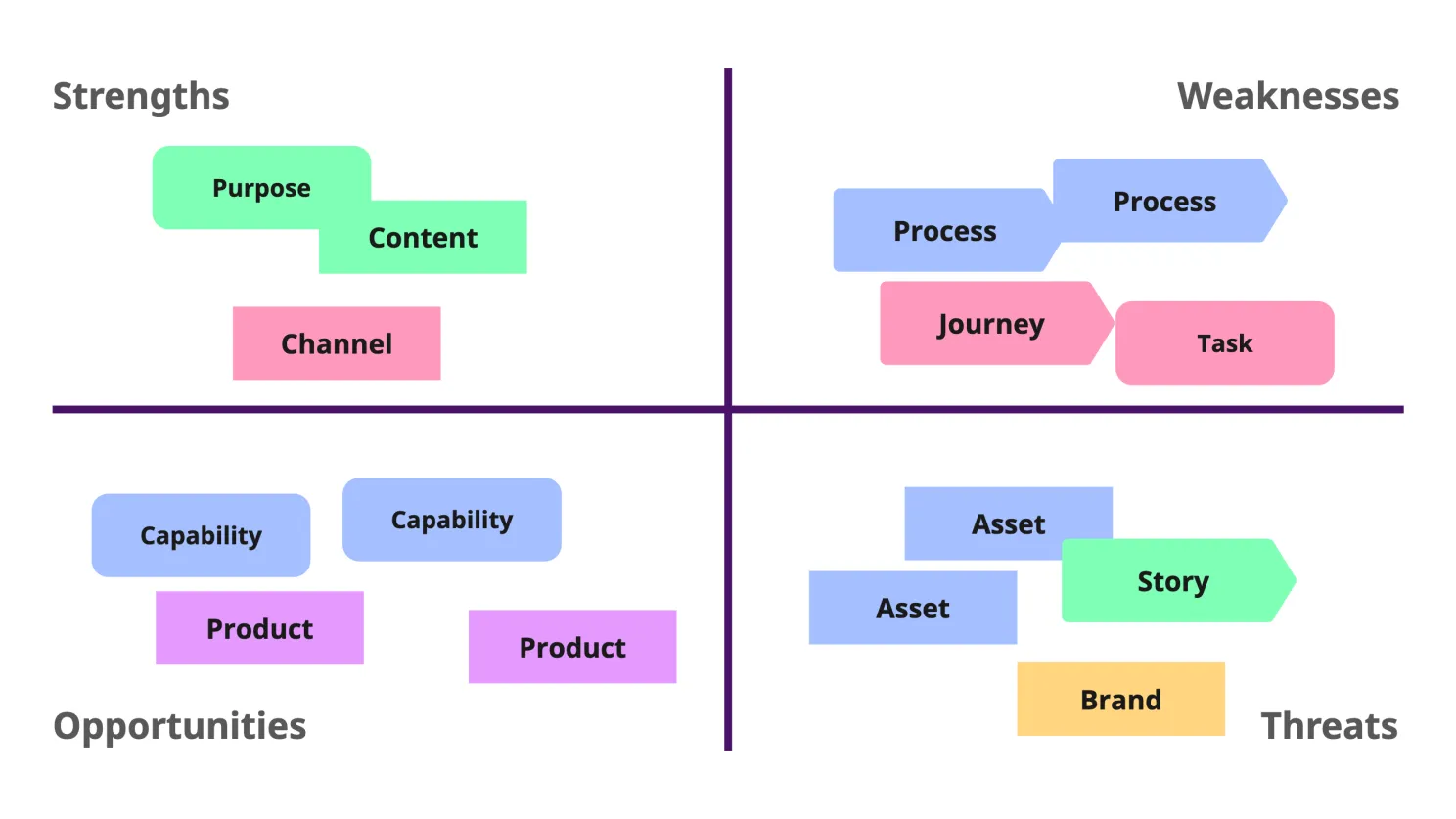

A Mini Masterclass in Four-Quadrant Matrix

Everyone loves a good 4-quadrant matrix. They’re clean, simple, and familiar. But sometimes… they’re just not enough. We try to cram too much into them, lose clarity, or walk away with more confusion than insight.
So why write a mini masterclass on these things?
Lately, I’ve been deep into complexity, ecosystems, and mapping—and while I love a complicated system map, I’ve learned that not everyone lives in diagram world. Recently, while explaining a very simple (but slightly unconventional) use of a SWOT matrix to a friend, I realized something: sometimes, the best tool is the one people already know how to use.
Let’s break down the basics—and explore a few upgrades along the way.
The Classic: SWOT 101
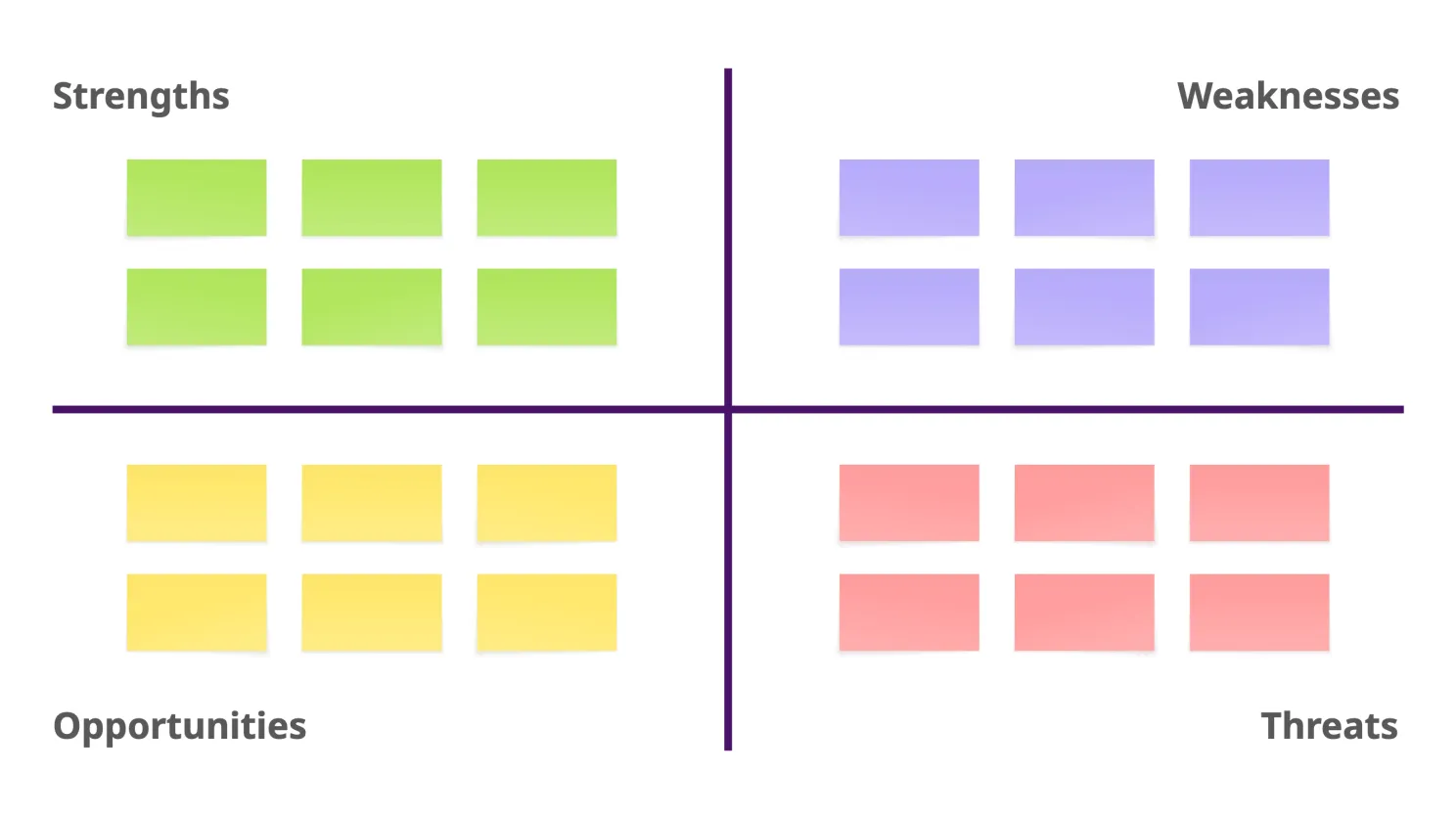
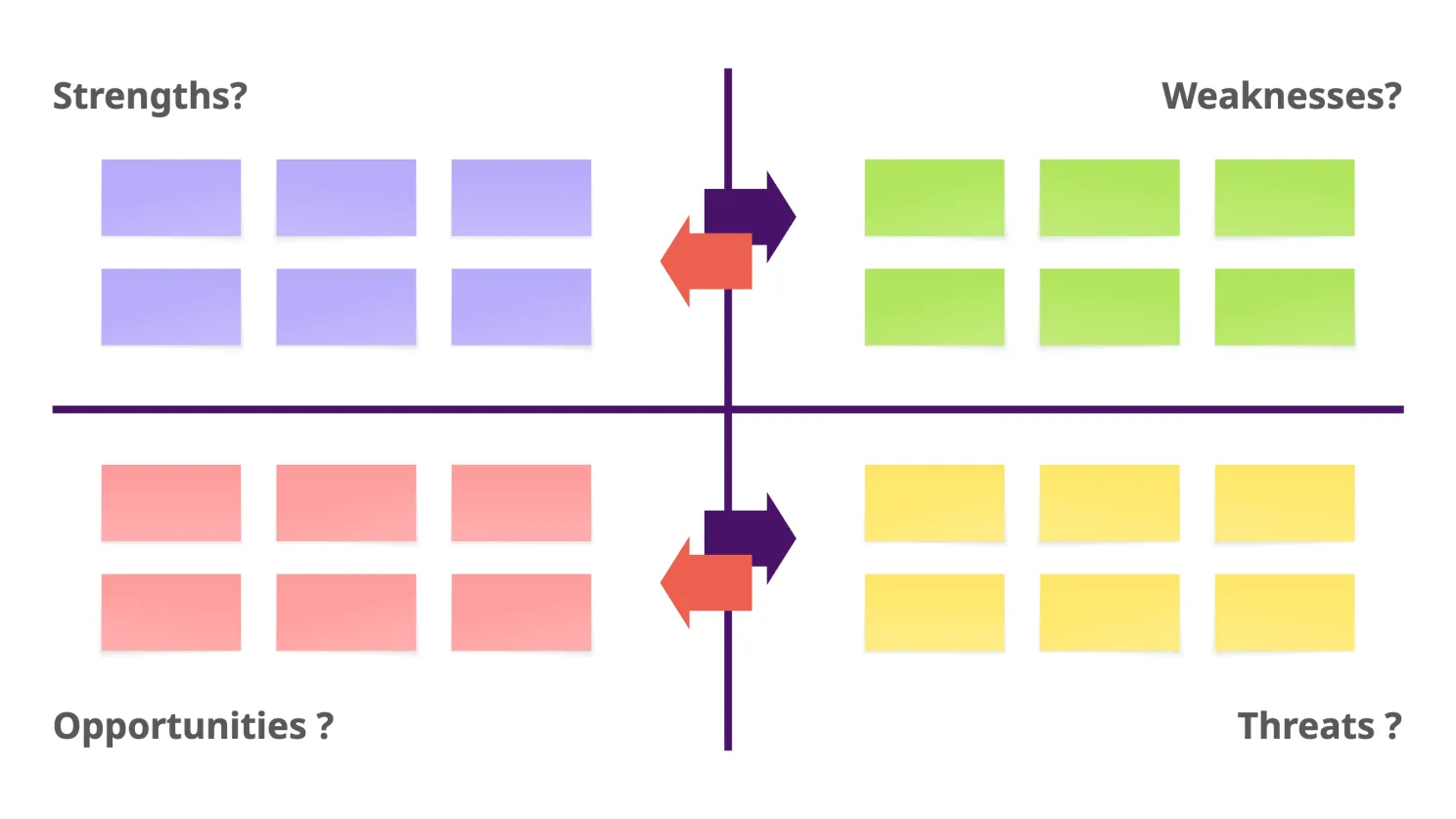
SWOT might be the most common matrix out there. Four quadrants:
- Top left: Strengths
- Top right: Weaknesses
- Bottom left: Opportunities
- Bottom right: Threats
Where do you get the content?
You can:
- Run a workshop and gather group input
- Pull data from research and analysis
- Bring in a domain expert to audit
- Or—best of all—combine all three
Once your quadrants are filled in, step back. Look for patterns. Draw conclusions. Turn insights into hypotheses. Then translate those into action—and maybe plug them into another matrix like Effort vs. Impact for prioritization.
Information Overload: When Your Matrix Explodes
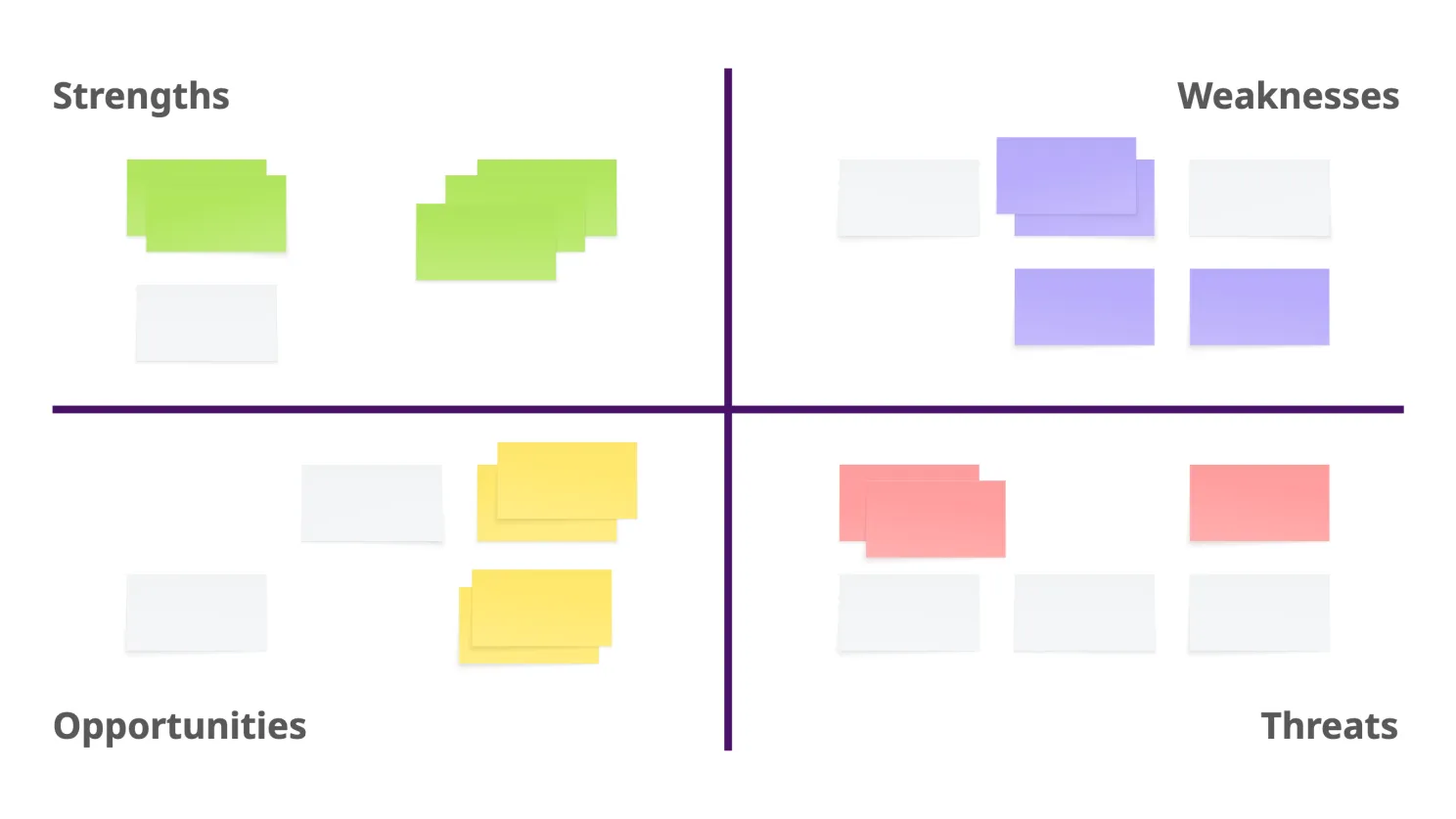
Ever end a workshop with more Post-its than you have wall space? Congratulations, you’ve entered Matrix Overload. Here’s how to bring some order to the chaos.
1. Keep – Kill – Combine
Simple triage:
- Keep: It’s meaningful. Leave it.
- Kill: It’s redundant or irrelevant. Toss it.
- Combine: Merge it with something similar. Keep the clearest version.
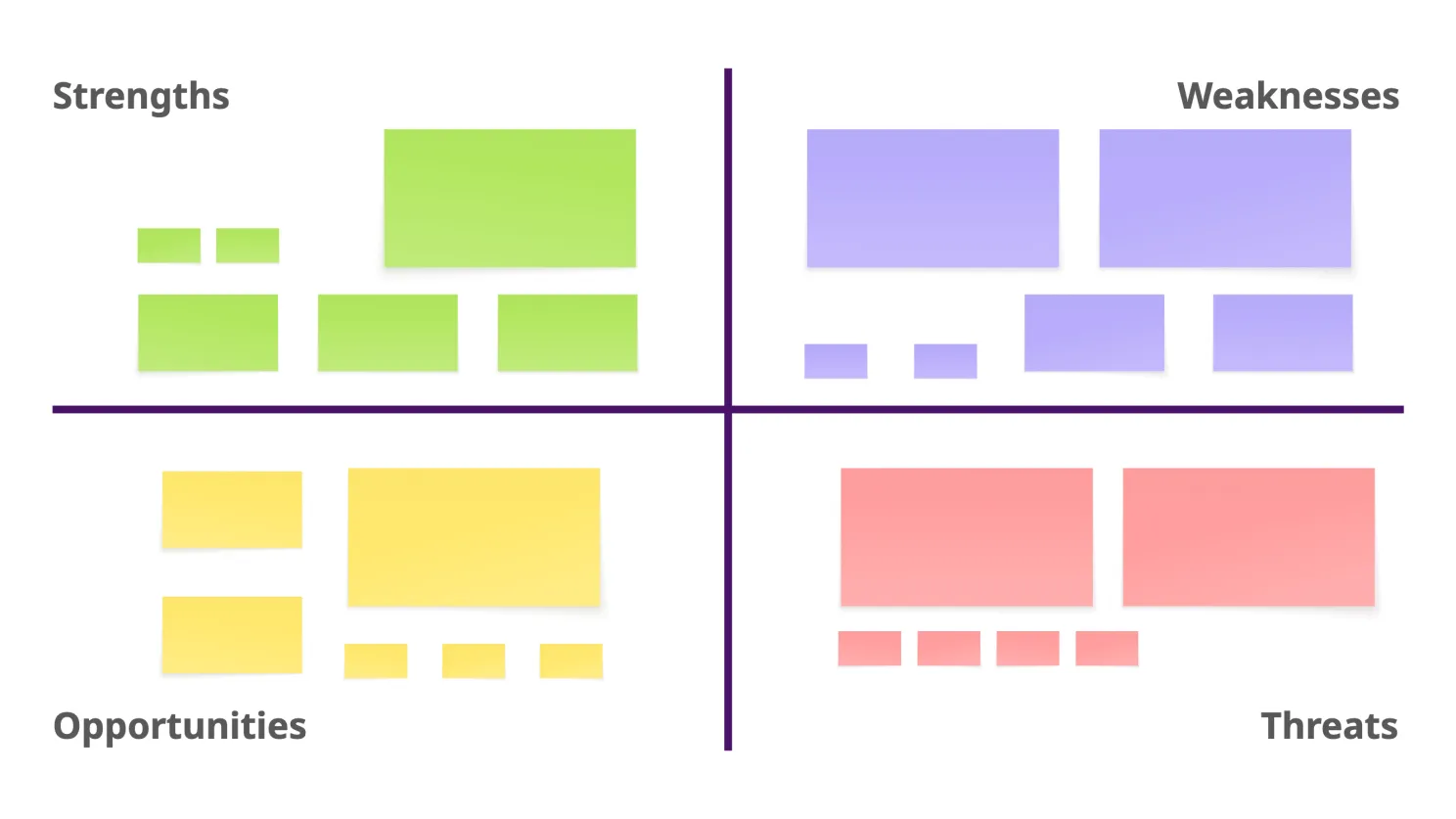
2. Small – Medium – Large
Great for digital boards like Miro.
Scan the Post-its, and without overthinking:
- Label or resize them based on perceived importance
- Visual weight = priority
- You’ll get a quick sense of what stands out and what fades away
SWOT 2.0 (or Something Like That)
Here’s a pro tip: use your axes to shift perspective.
Try mirroring the Y-axis:
- Flip left and right
- See how strengths might become weaknesses—or vice versa
- Treat threats as opportunities for innovation
- Rethink weaknesses as future strengths
Now flip the X-axis:
- Does the conversation change when you reverse assumptions?
- Are we over-invested in outdated strengths?
- What blind spots are hiding behind the labels?
This isn’t about being clever. It’s about seeing differently. Sometimes, all it takes is one axis flip to unlock a better conversation.
Effort vs. Impact: Now What?
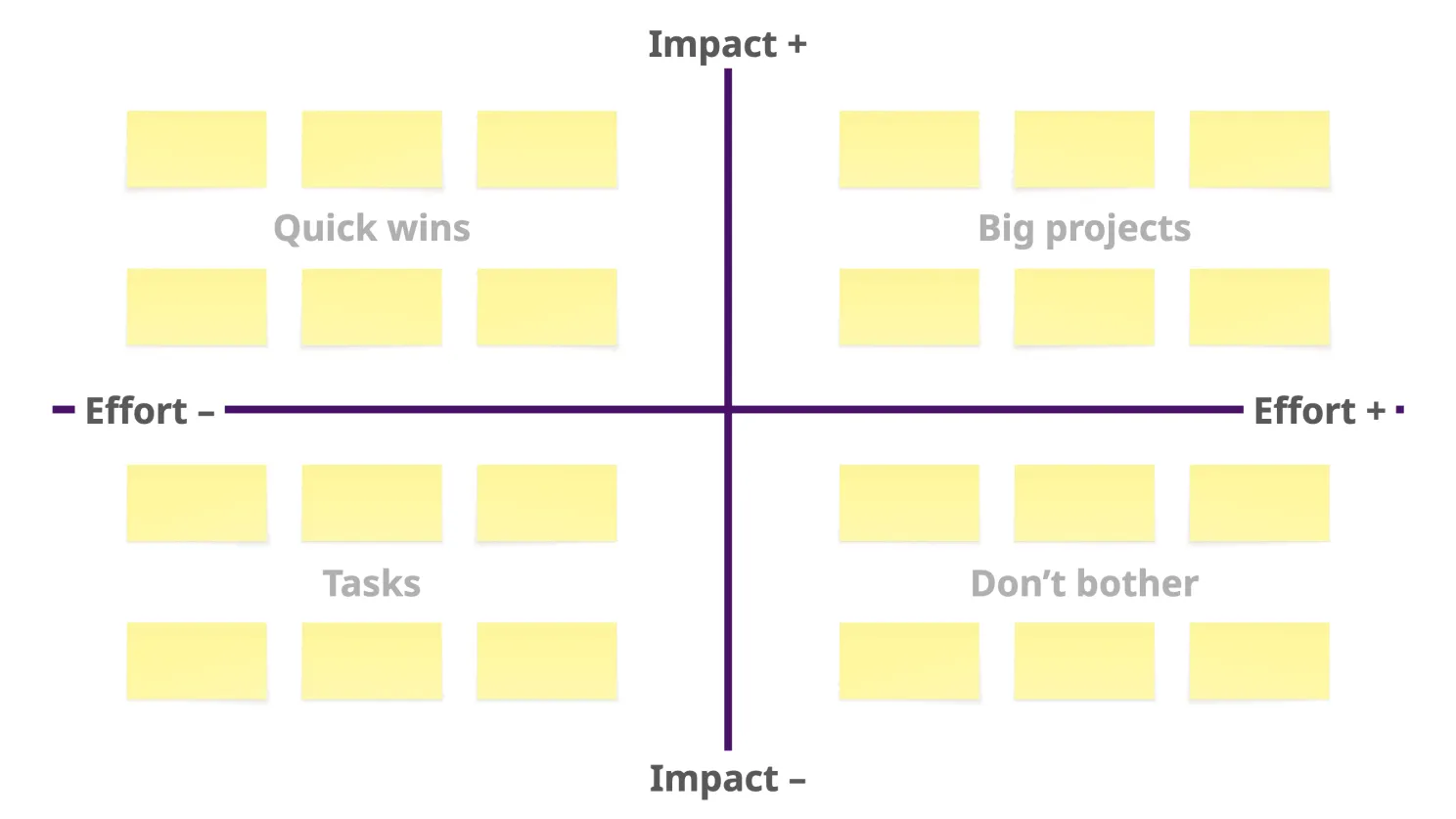
Once you’ve turned insights into action items, Effort vs. Impact is the next move. Same quadrant logic, different axes:
- Top: impact ++
- Bottom: impact —
- Left: Effort —
- Right: Effort ++
You’ll get four zones:
- Top left: Quick wins
- Top right: Big projects
- Bottom left: Tasks
- Bottom right: Don’t bother
Congratulations, you’ve just prioritized.
But… Everything Feels Important
If everything lands in the top-right quadrant, you don’t need more Post-its—you need more nuance.
Try this:
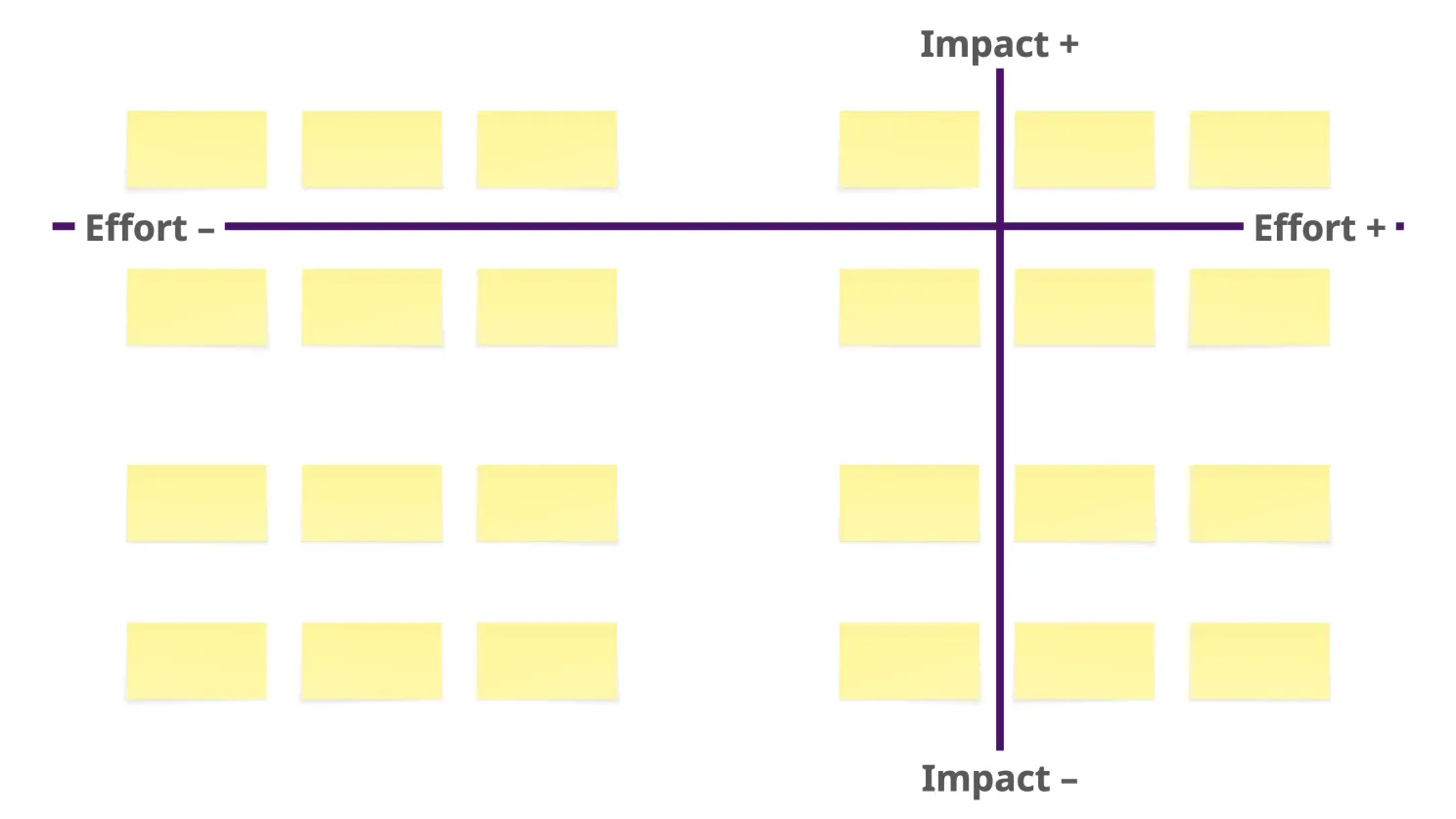
- Shift your axes: Move the line so fewer things qualify as “high”
- Tighten the scale: Recalibrate what “impact” and “effort” mean for this context
- Rotate the grid: Why not? If tilting the perspective helps, go for it.
Tools are there to serve you—not the other way around.
Something vs. Something Else: Make Your Own Matrix
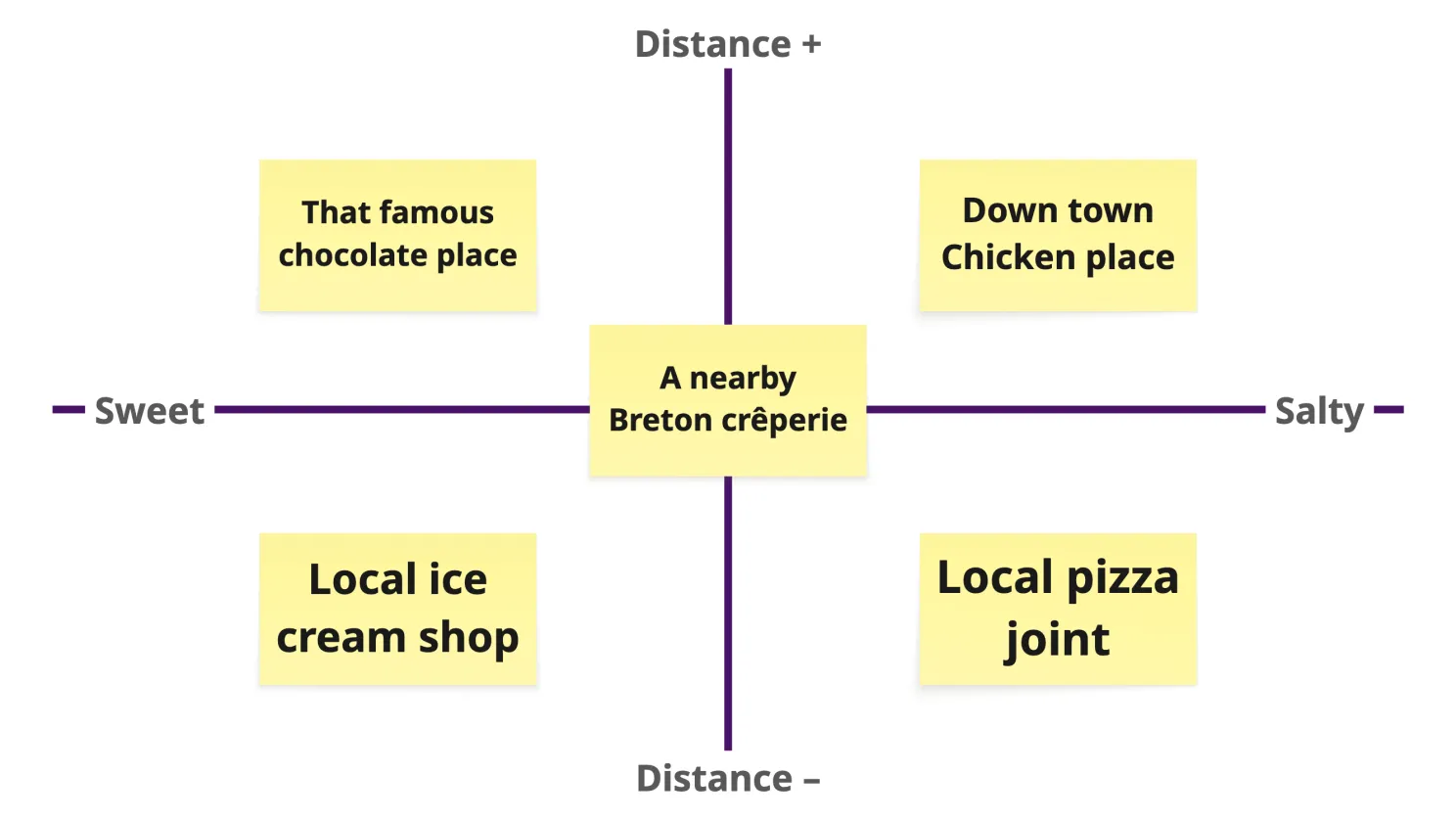
Maybe your challenge isn’t about impact and effort. Maybe it’s about risk vs. readiness, cost vs. sustainability, or spiciness vs. sadness (if you’re just trying to pick dinner).
Here’s the trick:
- Ask yourself what really drives the decision
- Name those two opposing forces
- Make them your X and Y axes
- Voilà—your own matrix
Name it after yourself if you’re feeling bold. Eisenhower did.
EDGY-fy Your Content
Post-its are great for gathering input. Not great for meaning.
Designers write about usability. IT folks write about systems. HR focuses on people. Strategists, architecture, branding, products… it all ends up mixed.
So give yourself a new lens: translate everything into the EDGY model (Identity, Experience, Architecture, Product, Channels, etc.).
Ask:
- Where are the patterns?
- Which domains are over- or underrepresented?
- What’s missing that should be here?
A little structure goes a long way—and helps shift from data to dialogue.
It’s Nerdy. But It’s Useful.
Yes, I get carried away with this stuff. I nerd out on facilitation. I enjoy building better workshops. And I believe tools like these can help us think more clearly—when used well.
So that’s the tour. Matrices aren’t magic, but they can be powerful if you treat them like living frameworks instead of lifeless templates.
What should I nerd out on next?